Follow your favorite teams with Live Activities
Follow your LoL, Valorant, CS2 and other matches on your iPhone Lock Screen, in the Dynamic Island and on Android, without opening the app.
See it on every screen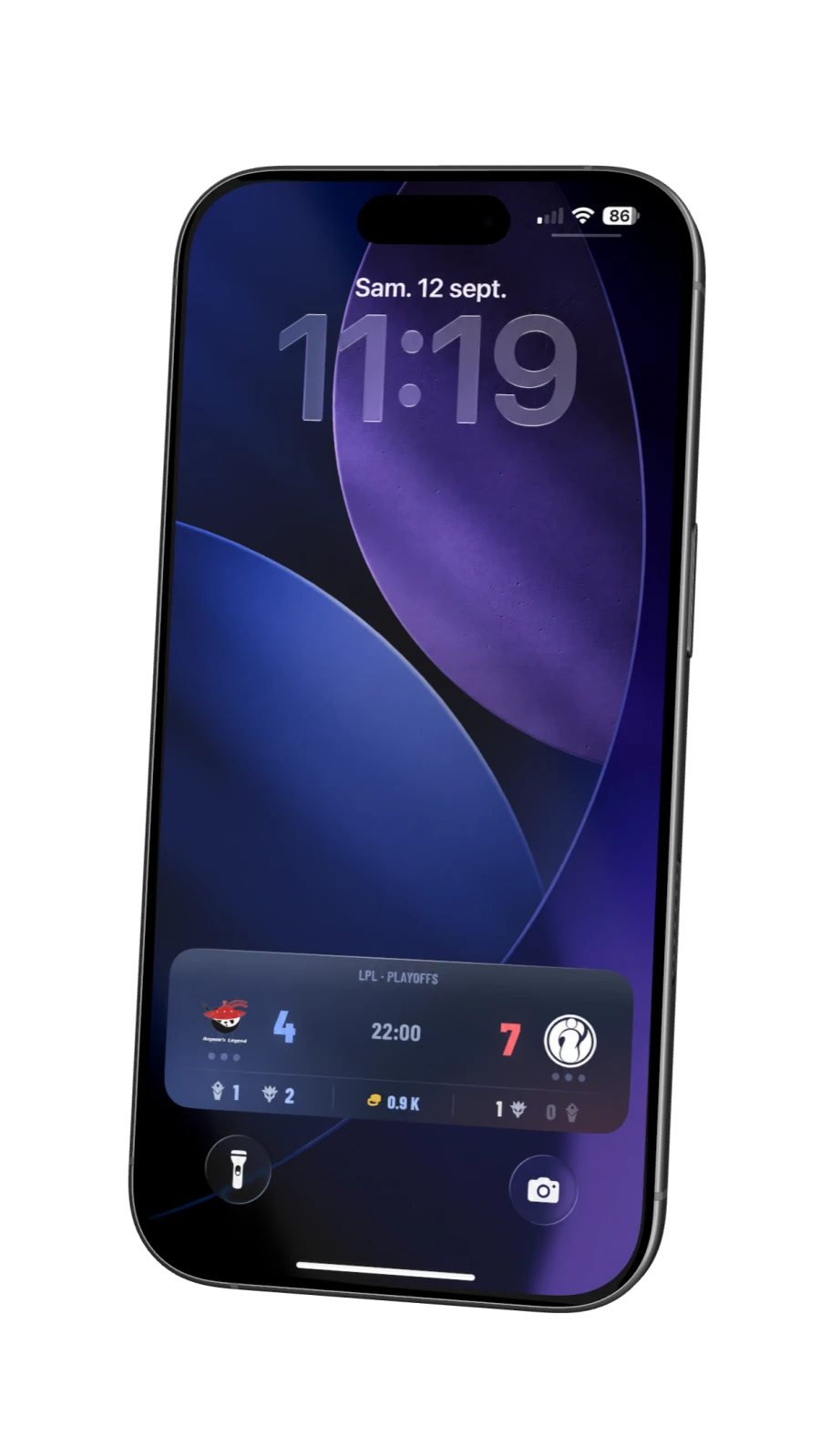
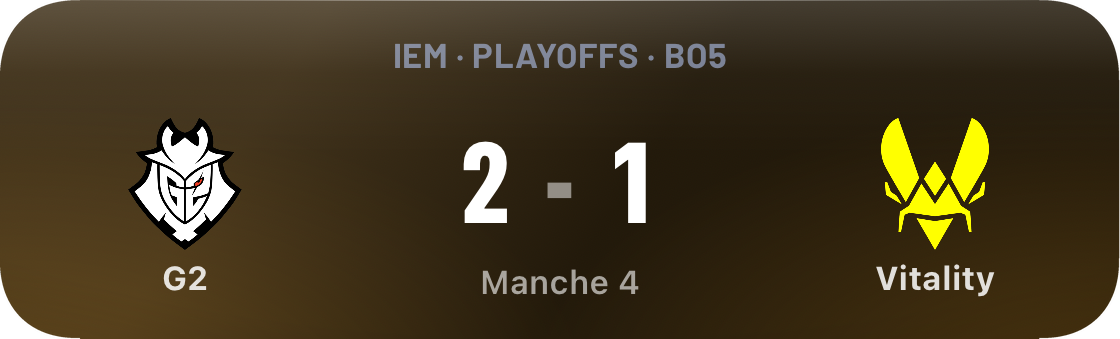
Follow the match at a glance.
The Live Activity updates in real time, keeping the score, kills and objectives in view.
The live score
The series score stays visible for every game covered by COVER.
Key stats, even when you cannot watch
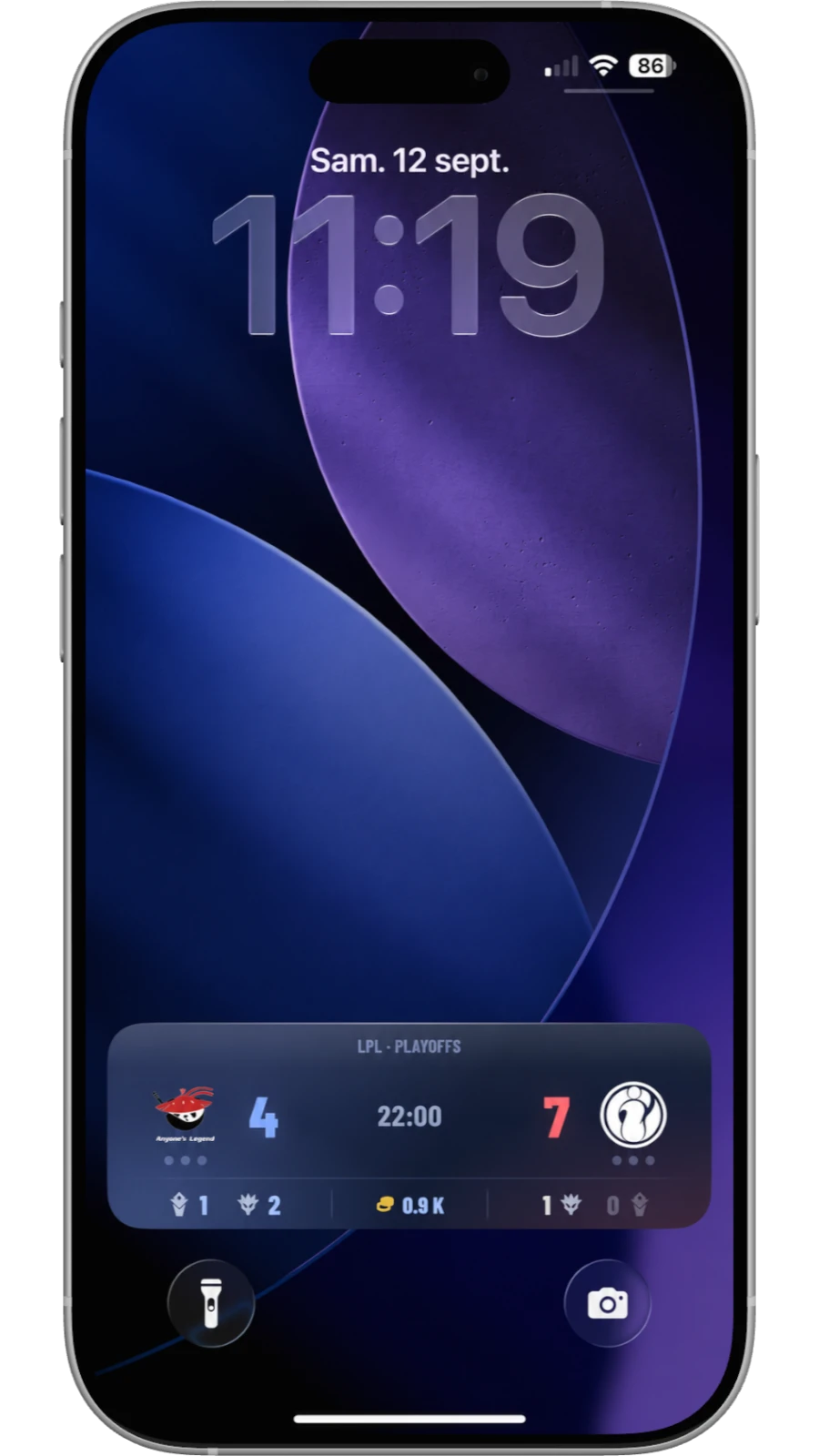
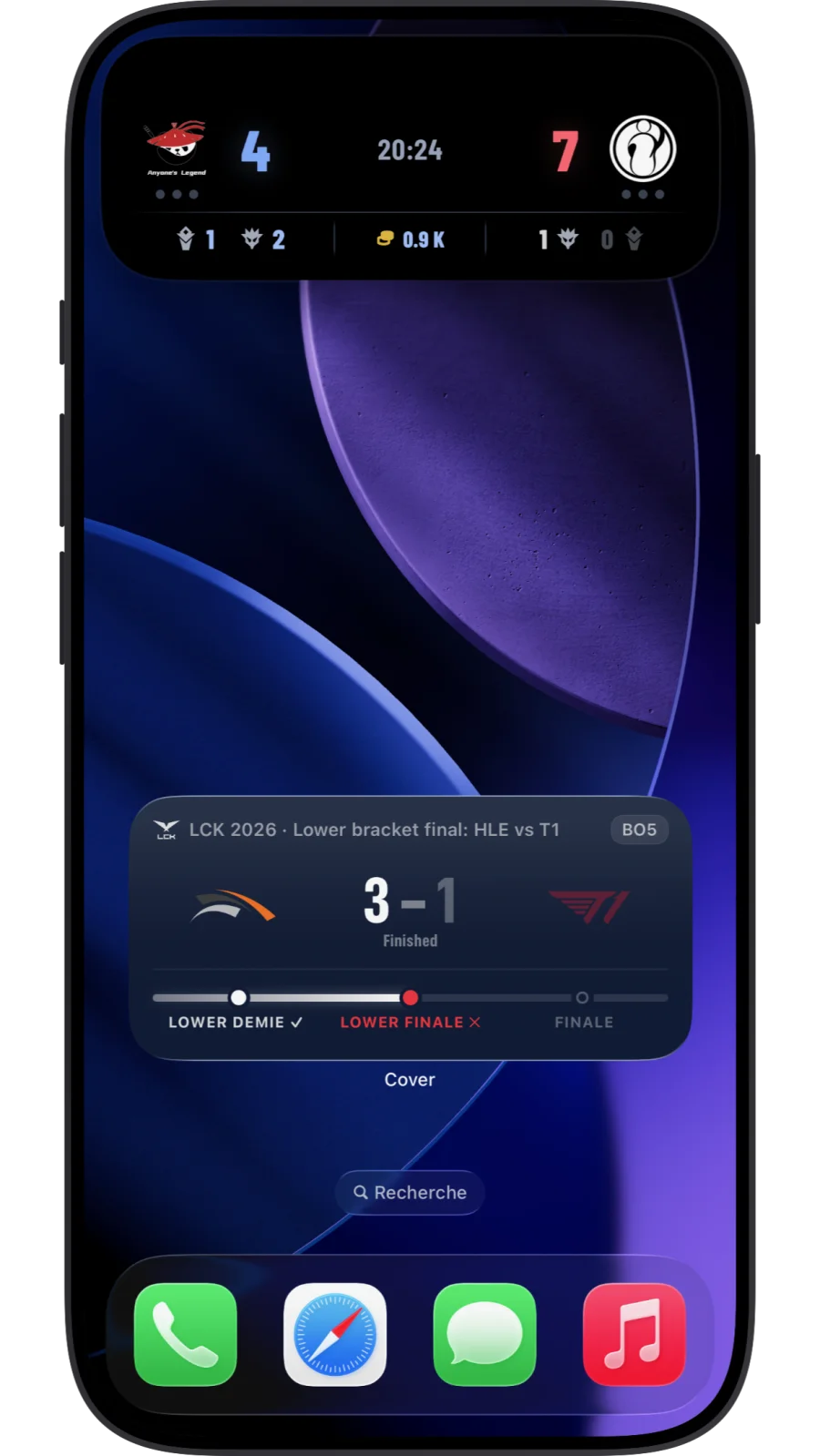
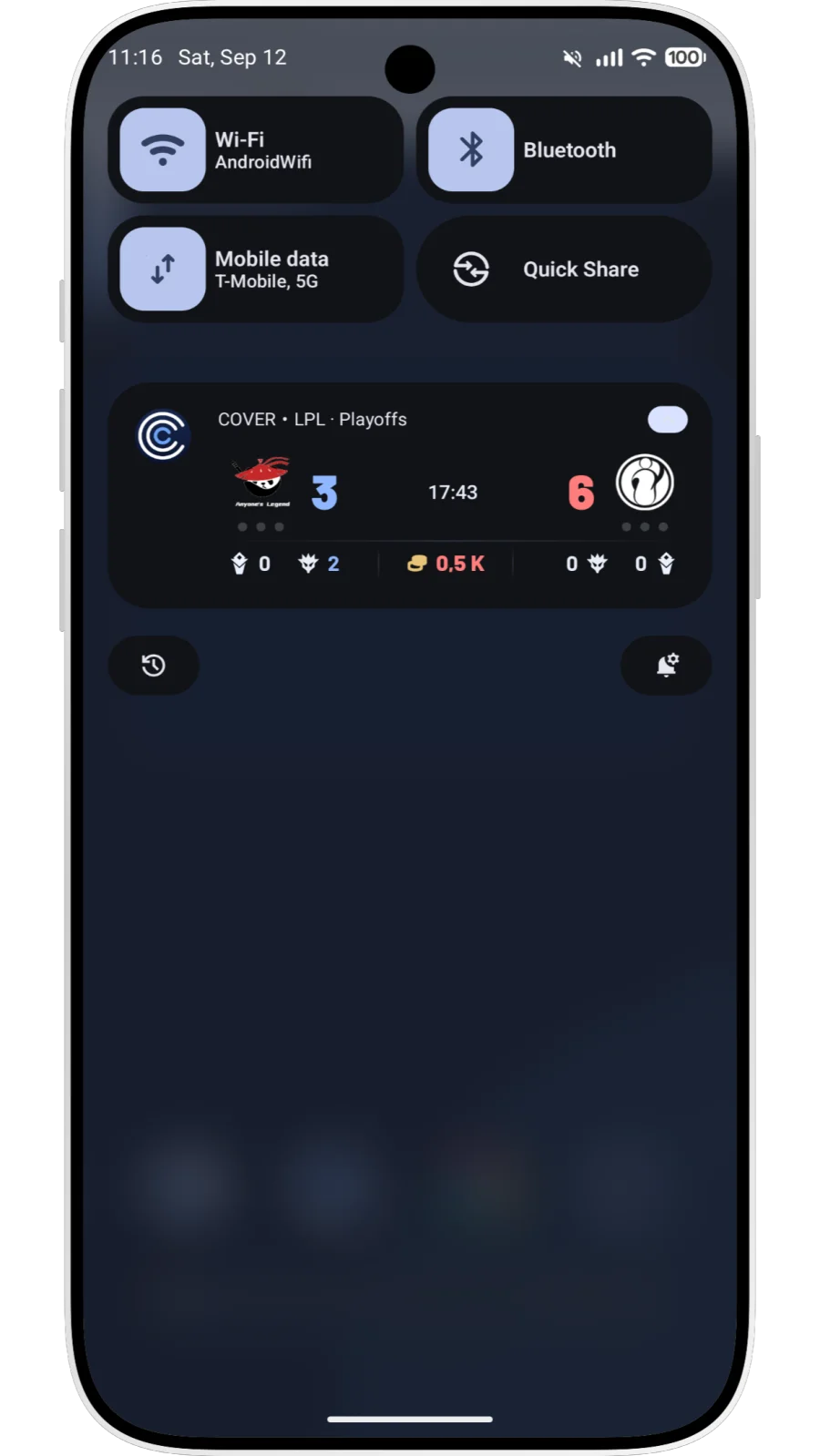
Kills, each team’s objectives and active buffs appear in the League of Legends Live Activity.
Alerts for decisive moments
Objectives taken and multikills are highlighted in the Live Activity.
On iPhone, Apple Watch and Android
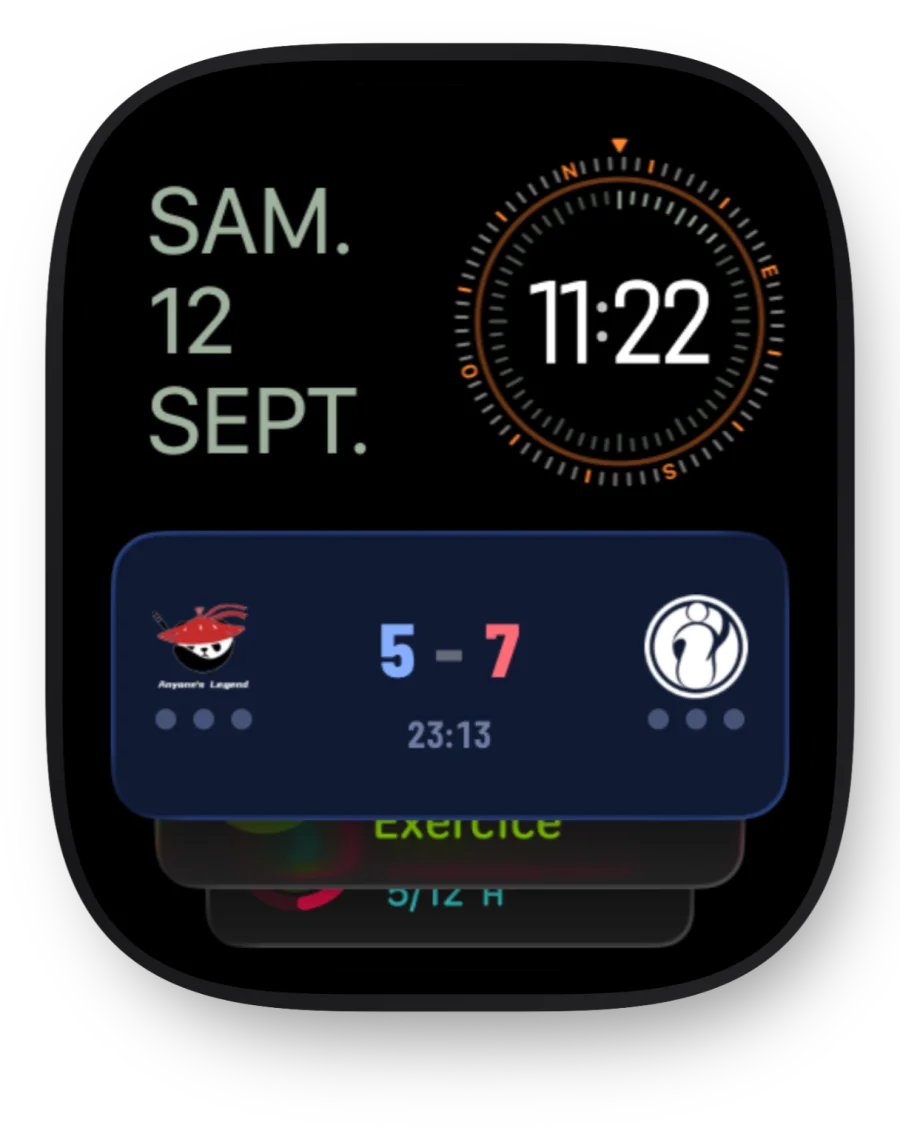
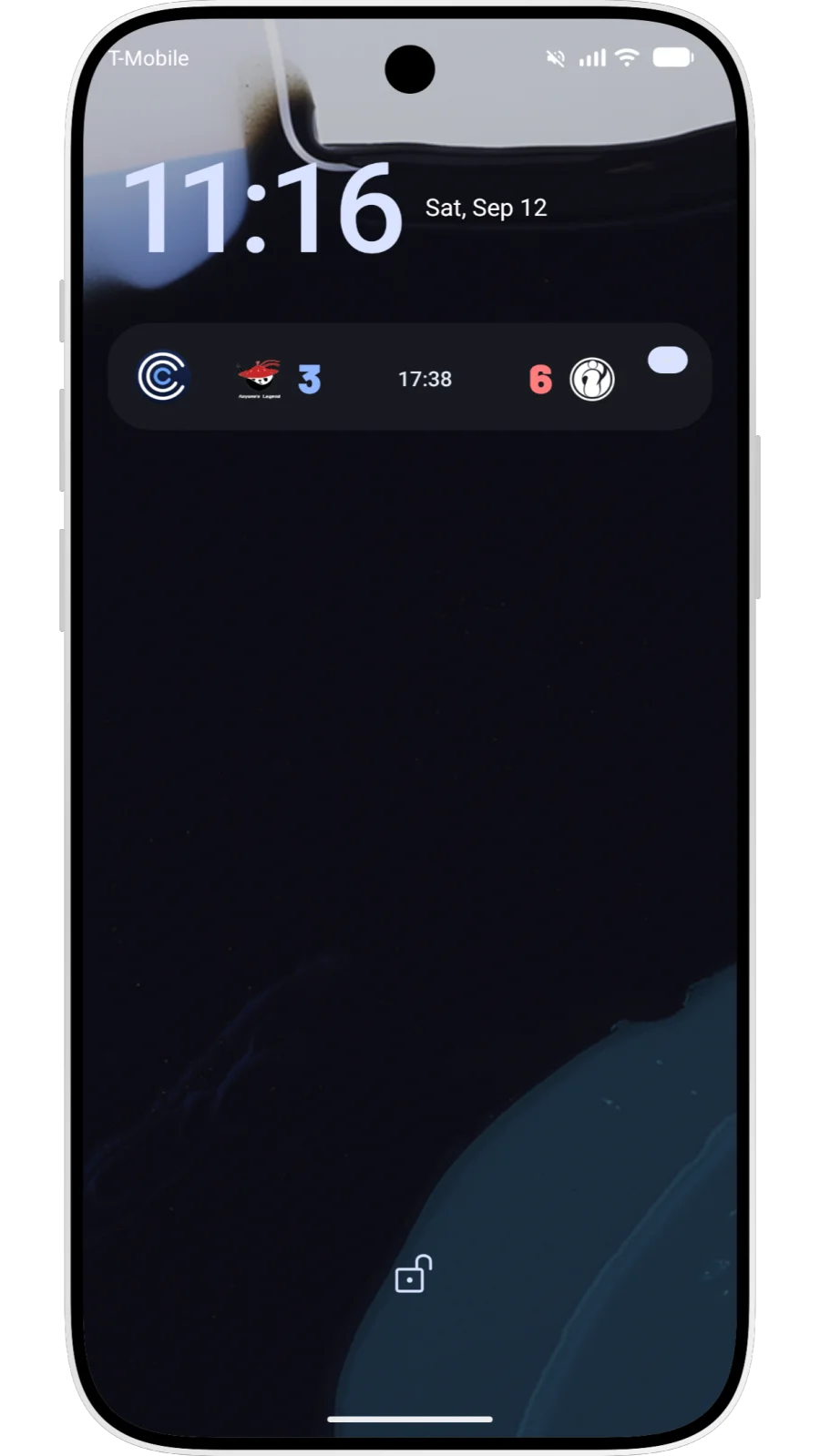
On the Lock Screen, in the Dynamic Island and on your wrist: the match follows you and alerts you at decisive moments, without opening the app.
iPhone
Apple Watch
Android
The score everywhere, the details on League of Legends.
The series score is available live for every game covered by COVER. Detailed tracking (kills and objectives) is arriving game by game, starting with League of Legends.
| Game | Series score | Kills and objectives |
|---|---|---|
| League of Legends | Yes | Yes |
| Valorant | Yes | Not yet |
| Counter-Strike 2 | Yes | Not yet |
| Dota 2 | Yes | Not yet |
| Rocket League | Yes | Not yet |
| Call of Duty | Yes | Not yet |
| Overwatch 2 | Yes | Not yet |
| Rainbow Six Siege | Yes | Not yet |
Live Valorant and Rocket League are targeted for the first quarter of 2027. See the roadmap.
What people ask us.
- What is a Live Activity?
An iOS feature that shows live information on the Lock Screen and in the Dynamic Island without opening the app. COVER uses it to follow an esports match: the series score and, on League of Legends, in-game details.
- Which iPhones support Live Activities?
iPhones running iOS 16.1 or later. The Dynamic Island is present on iPhone 14 Pro models and later models that support it; on other iPhones, the Live Activity appears only on the Lock Screen.
- What about Apple Watch?
Yes. With watchOS 11, the Live Activity appears in the watch’s Smart Stack, with nothing extra to install.
- What about Android?
Yes. On Android, COVER follows the match in a notification updated as the game unfolds, visible on the Lock Screen and in the notification shade.
- Do I need a subscription?
Yes. COVER + includes live tracking: the Live Activity on iPhone and the updated notification on Android show the series score for every game covered by COVER.
COVER Max adds key match stats (kills, towers, gold difference and buffs taken), starting with League of Legends. Other games will follow over time.
See the roadmap for upcoming games.
- Does it use much battery?
Live Activities on iPhone and updated notifications on Android are designed to have a limited impact on battery life. The app does not need to stay open to show the score.
- How do I get my first live scores on COVER?
On iPhone, check that Live Activities are enabled in Settings > COVER > Live Activities.
On Android, allow notifications for COVER in your phone settings. With an active subscription, live updates appear automatically.
Then add a team or league to your favorites in COVER. Tracking starts when a match you follow begins.